The short answer
An EPB reset scan tool is useful only when it supports the exact electronic parking brake service mode for the vehicle; verify coverage before opening the brake system. Diagnostic Tool Lab treats this as a compatibility-first buying decision, not a promise that one scanner can run every service function on every vehicle.
Where this function fits
Use this when rear brake service, caliper replacement, or parking-brake maintenance requires the tool to place the EPB system into a supported service position.
Buyer-fit checklist
Check the year, make, model, EPB module, brake-service routine name, battery support requirement, update term, and return-window test before disassembly.
Where competitors are weak
Competitor pages often treat EPB reset as a generic scanner feature, while buyers need module coverage, service-mode wording, and brake-safety limits. This page puts the diagnostic symptom or buying constraint first, then routes to the smallest suitable tool category and exact product brief.
Before the retailer click
Open the manufacturer coverage lookup when available, save screenshots or support replies, confirm software/update terms, and use the return window to prove the function on the actual vehicle before relying on it for a safety-critical or immobilizer-related job.
Frequently asked questions
Can one scanner guarantee this service function on every vehicle?
No. Service functions depend on vehicle year, make, model, engine, module, region, software version, security gateway, and sometimes paid updates or tokens.
Should I buy by the feature list?
No. Buy by the exact function and vehicle you need to support, then verify it during the return window.
What is the safest next step?
Write down the vehicle and job, check coverage, confirm limitations, and choose the smallest tool category that can prove the next diagnostic step.
Best next page
Use the Bidirectional Scan Tools guide when this diagnostic path points to a purchase decision. Compare job fit, limitations, compatibility, and the cost of ownership before choosing a model.
Open Bidirectional Scan Tools guideRelated diagnostic guides
Continue with the closest compatibility, workflow, and buying questions for this tool family.
Tools to compare next
Bidirectional Scan Tools · $$$
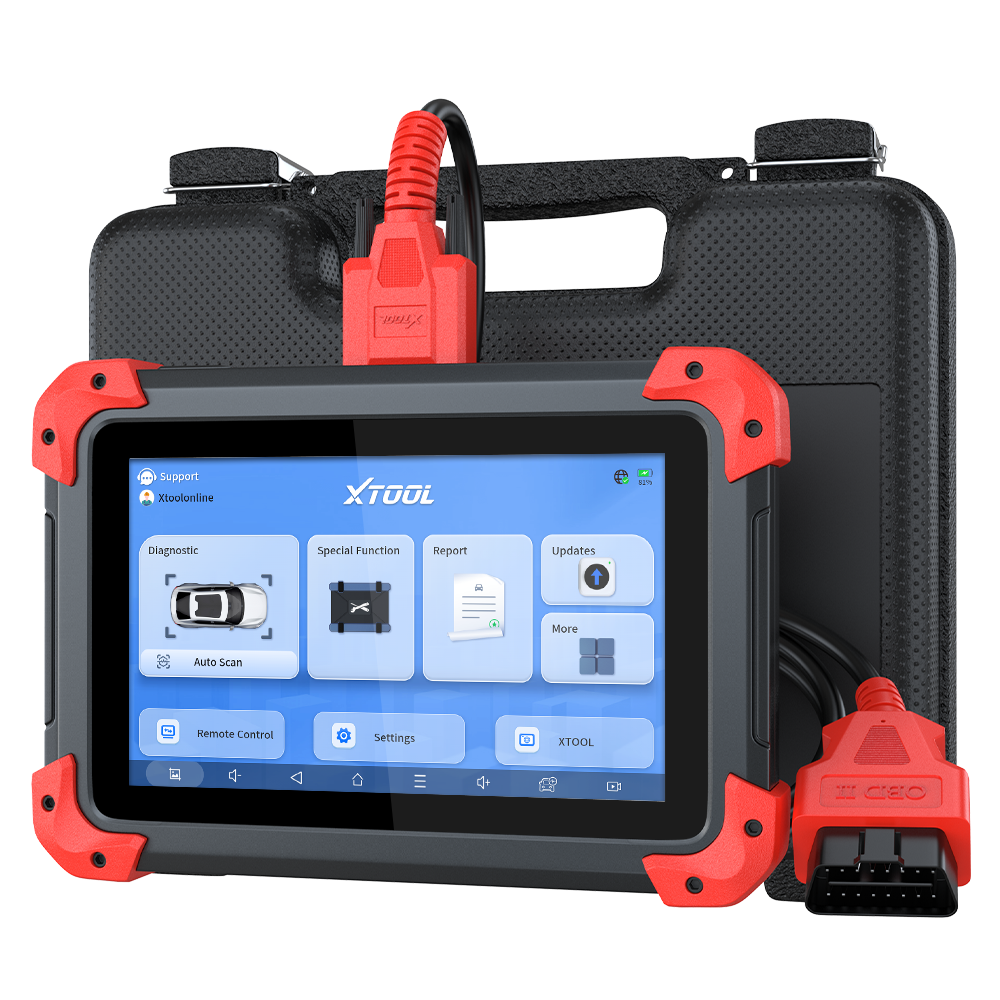
XTOOL D7
Shortlist the XTOOL D7 when a wired seven-inch tablet, bidirectional controls, report export, and broad service coverage fit the work; step down when codes and live data are enough.
- Best for
- Advanced DIY users and small shops that need documented all-system scans, live data, active tests, service functions, and shareable diagnostic reports.
- Check first
- XTOOL states that functions vary by manufacturer, model, year, and module. Confirm the exact active test, reset, protocol, and update term before buying.
Compare fit and alternatives in Best Bidirectional Scan Tool.
Bidirectional Scan Tools · $$$
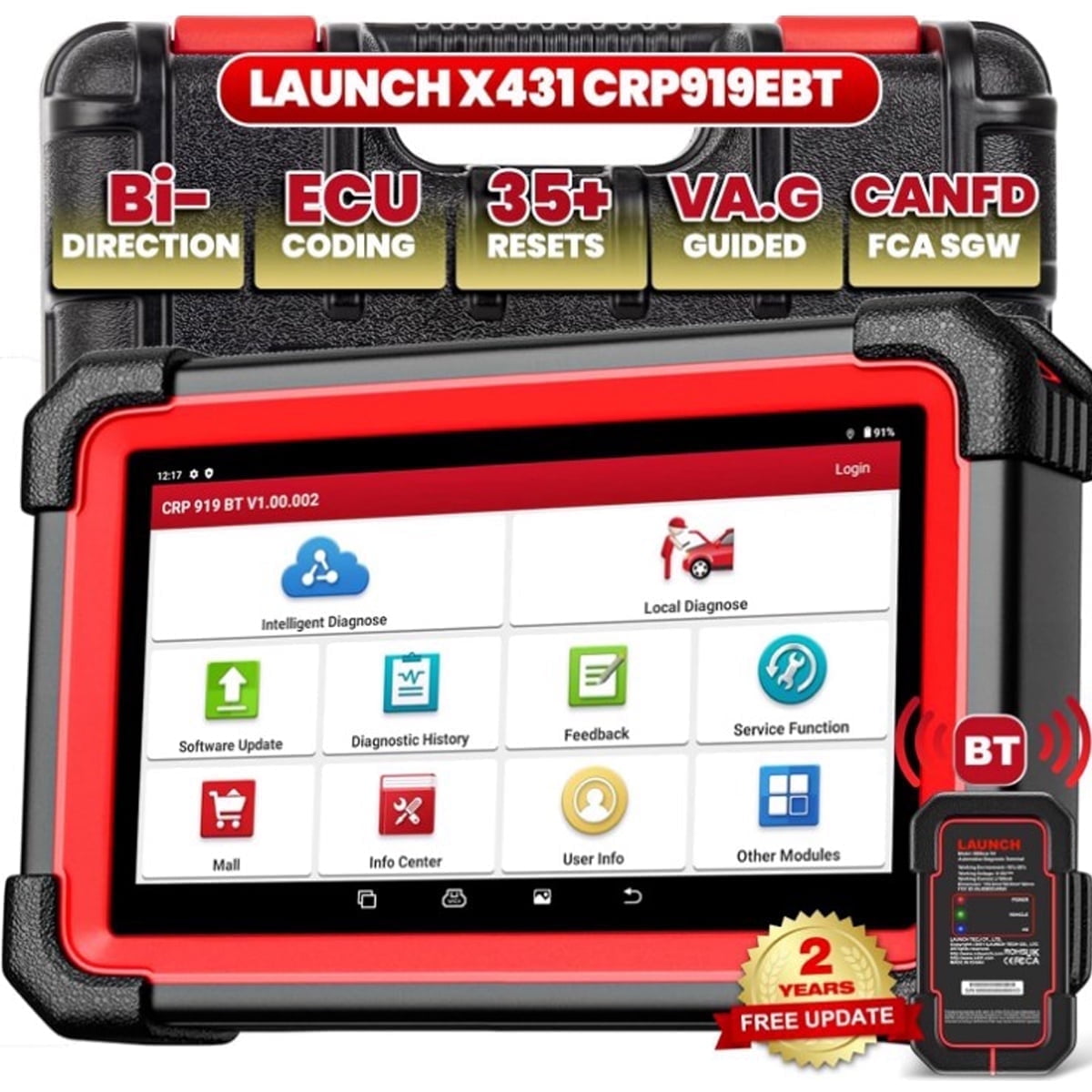
LAUNCH CRP919E
A comparison-page product for buyers deciding between Launch, Autel, XTOOL, and TOPDON style tools.
- Best for
- Users who want a tablet-style scanner with service functions.
- Check first
- Do not assume every function works on every vehicle. Verify coverage by year, make, model, and system.
Compare fit and alternatives in Best Bidirectional Scan Tool.

Bidirectional Scan Tools · $$$
TOPDON ArtiDiag900 Lite
A good under-$500-ish shortlist product for bidirectional scan tool content.
- Best for
- Advanced DIY users who want a wireless scan tablet below shop flagship pricing.
- Check first
- Subscription/update costs and vehicle-specific coverage need checking.
Compare fit and alternatives in Best Bidirectional Scan Tool.
Bidirectional Scan Tools · $$$
Autel MaxiCOM MK808S
A strong midrange tablet candidate for buyers comparing Autel, Launch, TOPDON, and XTOOL.
- Best for
- Advanced DIY users or small shops wanting a stable diagnostic tablet.
- Check first
- Confirm active tests, resets, and update terms for your exact vehicle.
Compare fit and alternatives in Best Bidirectional Scan Tool.
Bidirectional Scan Tools · $$$$
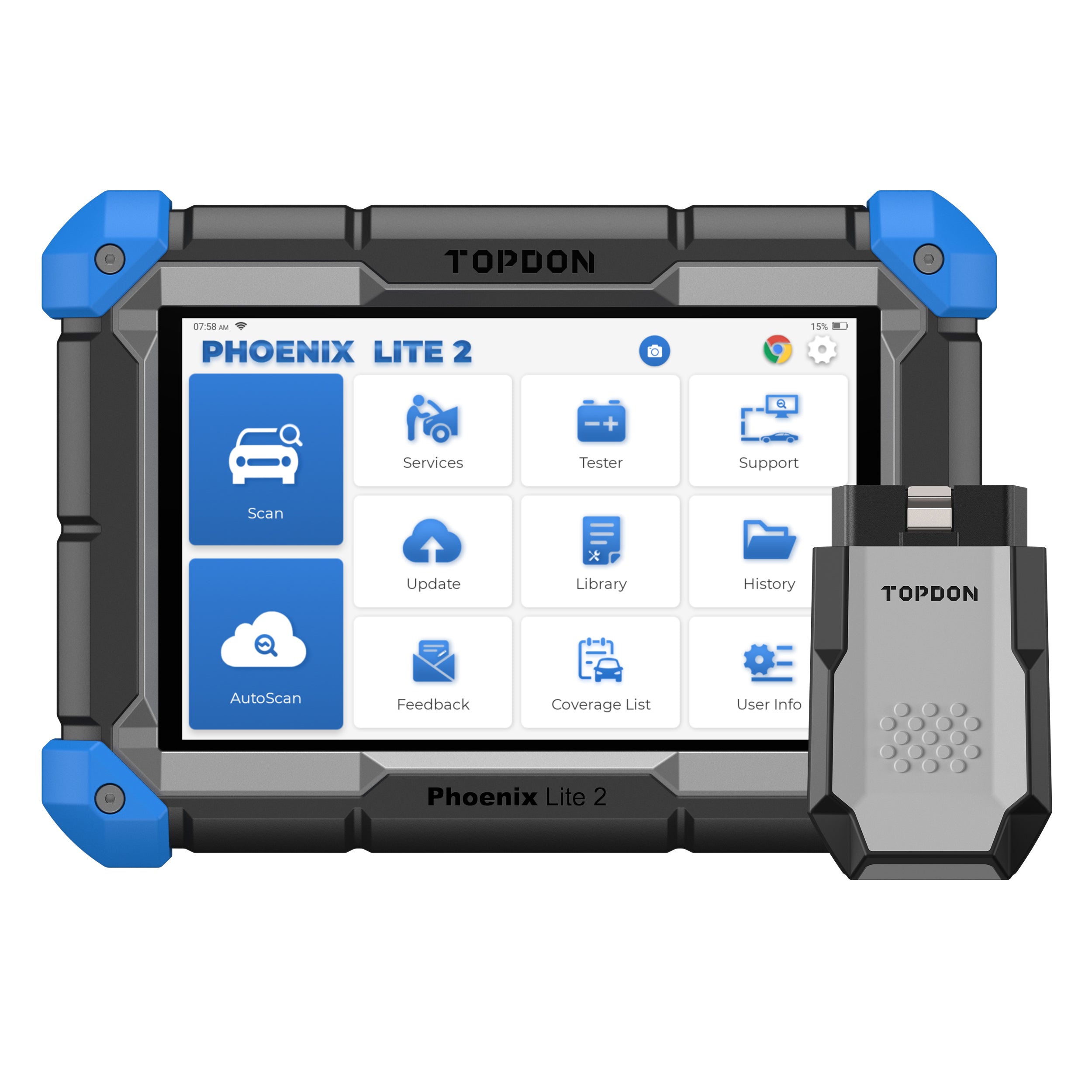
TOPDON Phoenix Lite 2
A higher-ticket comparison product for serious diagnostic-tablet pages.
- Best for
- Small shops that need a larger tablet, wireless VCI, and broad service functions.
- Check first
- Higher price and update terms make it more tool than most casual DIY users need.
Compare fit and alternatives in Best Bidirectional Scan Tool.
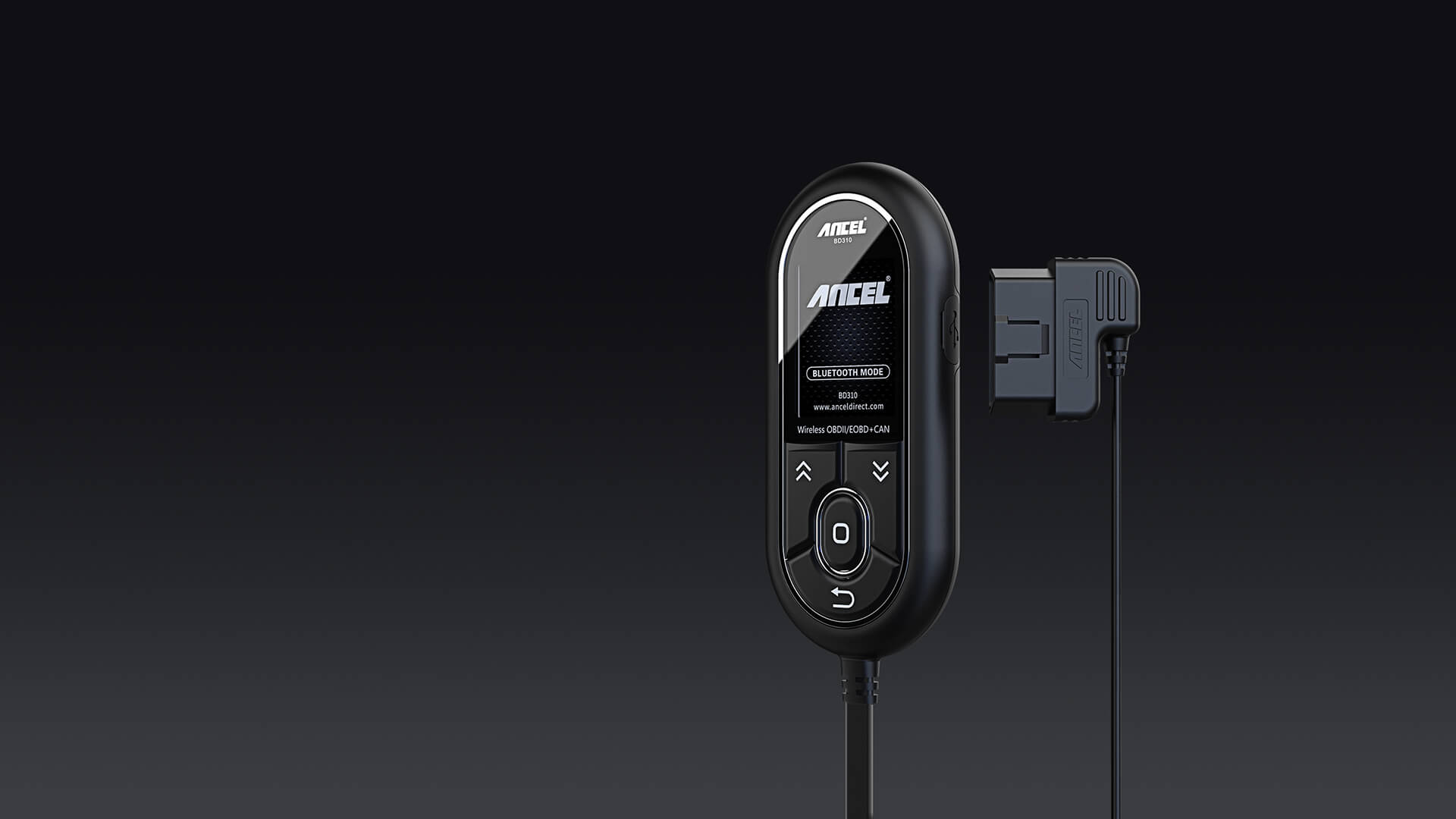
OBD2 Scanners · $$
ANCEL BD310
A sensible starter candidate for check engine light work when you want more than the cheapest code reader.
- Best for
- Drivers who want a simple handheld screen plus app support.
- Check first
- Confirm your phone compatibility and the functions you need before buying.
Compare fit and alternatives in Best OBD2 Scanner for DIY Mechanics.