The short answer
Use the scanner's I/M readiness menu before clearing codes or visiting an inspection station. Record which monitors are ready, not ready, or not supported. Readiness status is a pre-inspection signal, not a repair verdict, and state inspection rules can differ by model year and location.
What to check on the scanner
Open the generic OBD2 or I/M readiness menu and record MIL status, stored codes, pending codes, freeze-frame data, and which monitors are ready, not ready, or not supported. readiness status is normally visible in generic OBD2 mode on capable scanners.
Buyer-fit checklist
Choose a scanner that makes readiness easy to read without digging through confusing menus. For recurring diagnostics, live data, saved reports, and freeze-frame access matter more than a long generic feature list.
Where competitors are weak
Many SERP results explain drive cycles or list scanners, but they do not connect readiness status to the exact scanner features a buyer should verify before checkout. Diagnostic Tool Lab keeps the page tied to the smallest useful tool and the next safe diagnostic step.
Next action
Do not clear codes just to make the dashboard look clean. Save evidence first, confirm the monitor state, follow the vehicle-specific service information when needed, then use the return window to verify the scanner can show readiness clearly on your vehicle.
Frequently asked questions
Can a scanner make readiness monitors ready?
No. A scanner can show readiness status and codes, but the vehicle must complete the required self-tests under the right operating conditions.
Will a ready screen guarantee an emissions pass?
No. It is a strong pre-check signal, but pass rules, MIL status, visual inspection, safety checks, and local test procedures can still matter.
What scanner feature matters most?
A clear I/M readiness screen matters first, followed by pending codes, freeze-frame data, live data, and report saving.
Best next page
Use the OBD2 Scanners guide when this diagnostic path points to a purchase decision. Compare job fit, limitations, compatibility, and the cost of ownership before choosing a model.
Open OBD2 Scanners guideRelated diagnostic guides
Continue with the closest compatibility, workflow, and buying questions for this tool family.
Tools to compare next

OBD2 Scanners · $$$
Innova 5610
Worth shortlisting when you want ABS/SRS style depth without jumping into shop-level scan tools.
- Best for
- DIY users who want a broader feature set than a basic reader.
- Check first
- Advanced functions can vary by vehicle. Check module and service coverage first.
Compare fit and alternatives in Best OBD2 Scanner for DIY Mechanics.
OBD2 Scanners · $$
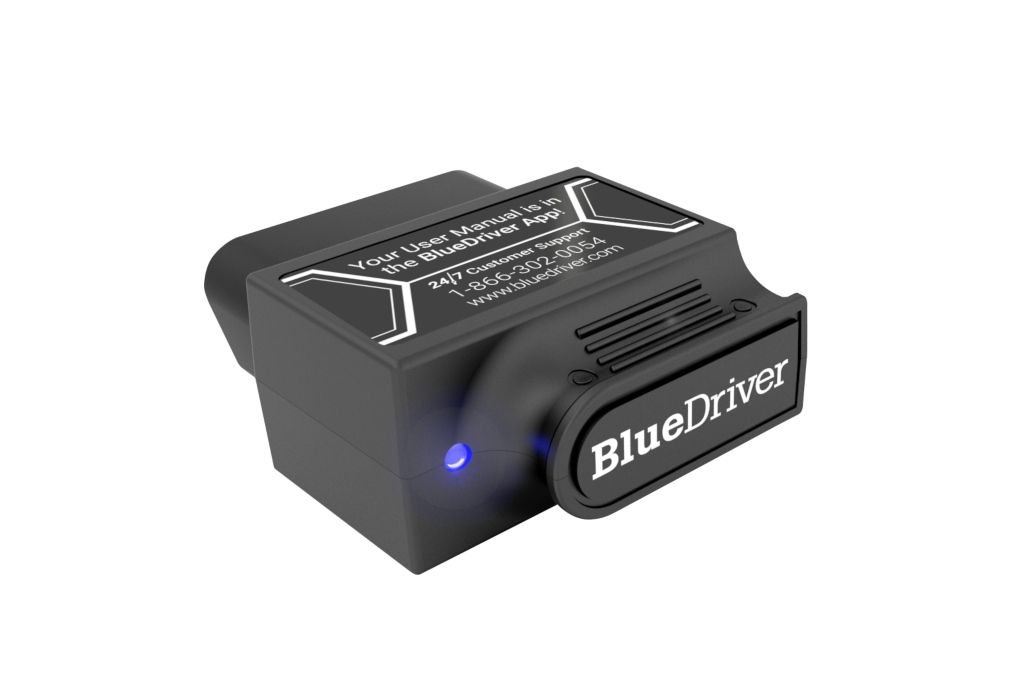
BlueDriver Pro
A strong candidate for people who would rather use a phone than a handheld scanner.
- Best for
- Phone-first users who prefer app-guided diagnostics.
- Check first
- It is app-dependent, so phone support and update quality matter.
Compare fit and alternatives in Best OBD2 Scanner for DIY Mechanics.
OBD2 Scanners · $
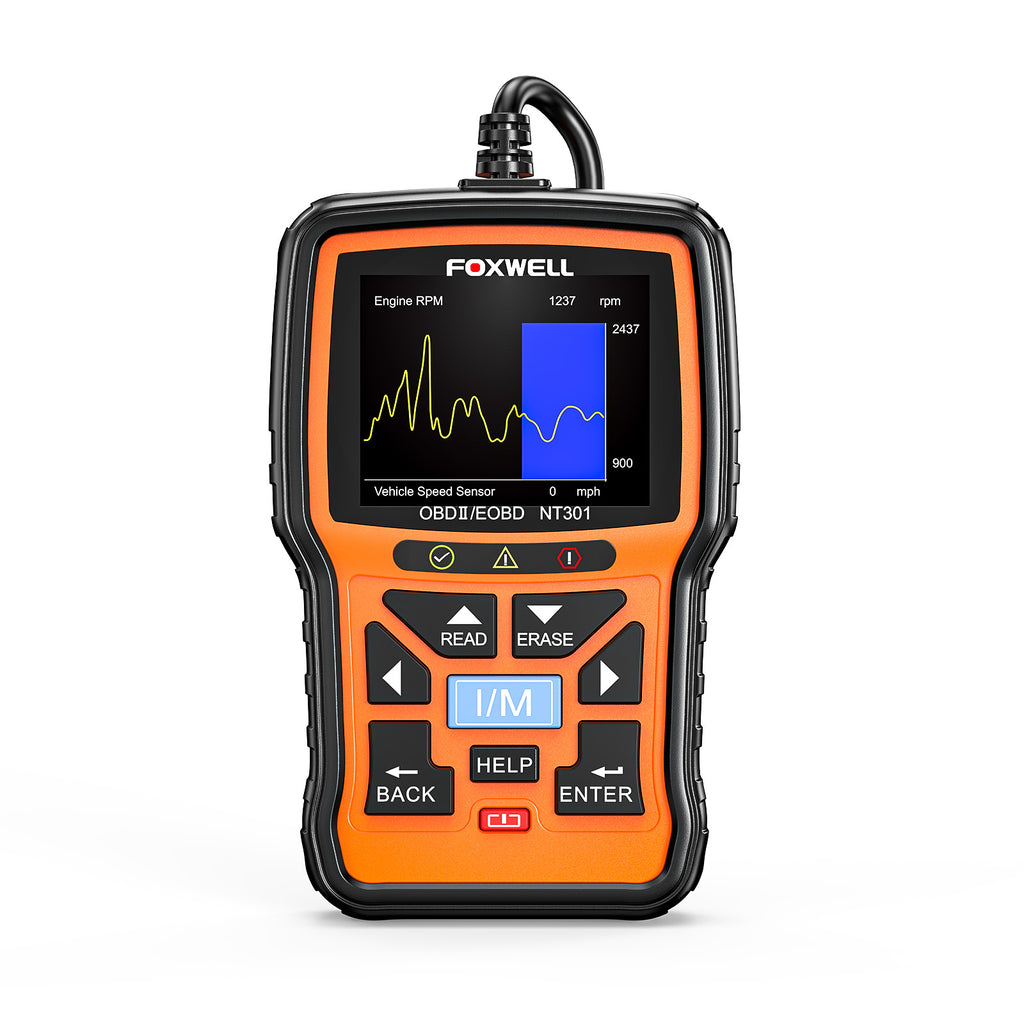
Foxwell NT301
Good for a basic garage kit when the goal is reading codes, not controlling vehicle systems.
- Best for
- Simple code reading and emissions readiness checks.
- Check first
- Do not expect advanced module coverage from a budget reader.
Compare fit and alternatives in Best OBD2 Scanner for DIY Mechanics.
OBD2 Scanners · $$
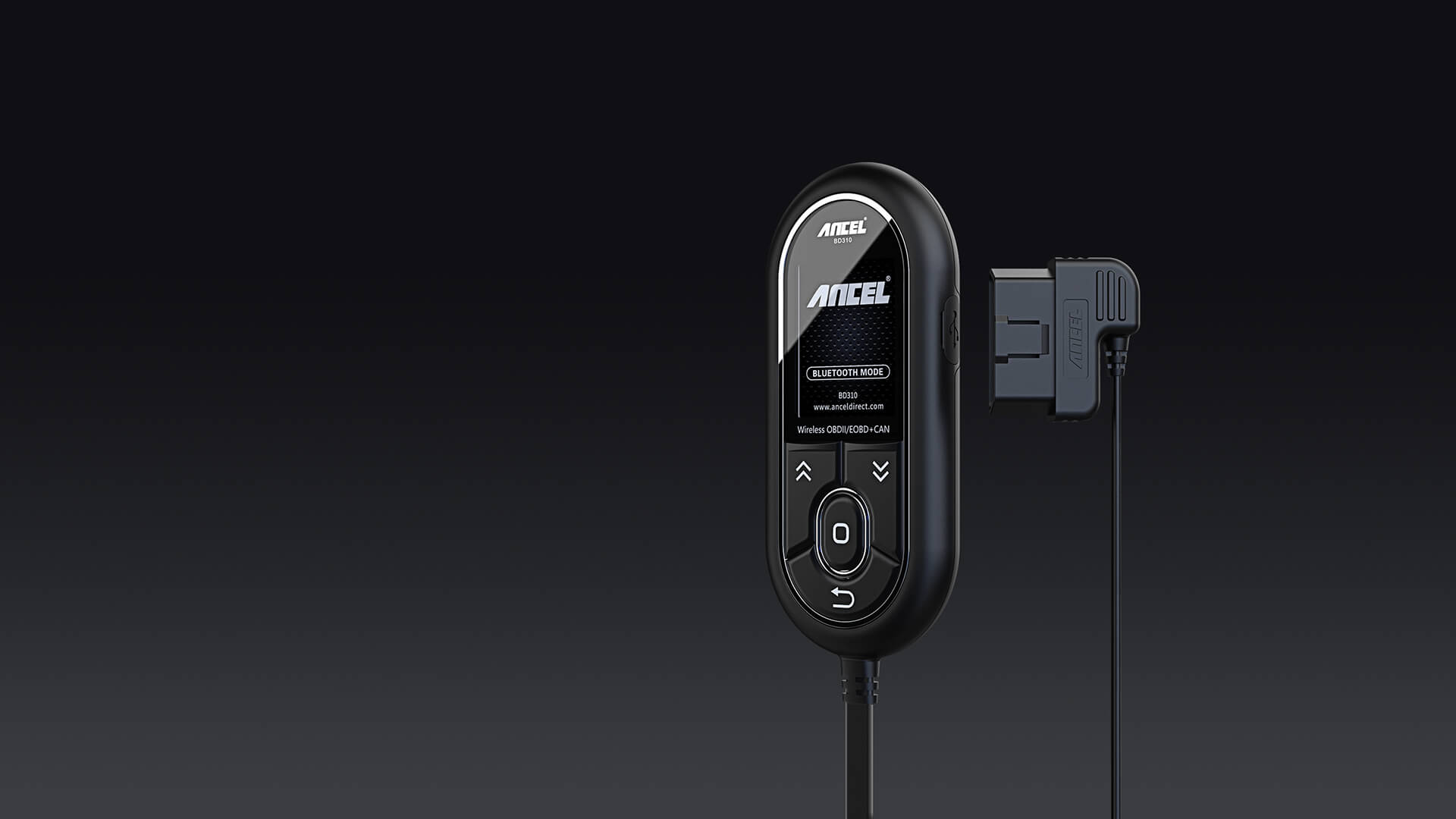
ANCEL BD310
A sensible starter candidate for check engine light work when you want more than the cheapest code reader.
- Best for
- Drivers who want a simple handheld screen plus app support.
- Check first
- Confirm your phone compatibility and the functions you need before buying.
Compare fit and alternatives in Best OBD2 Scanner for DIY Mechanics.
OBD2 Scanners · $
LAUNCH CR529
A low-cost code-reader candidate for check-engine-light triage and basic readiness checks.
- Best for
- Budget buyers who want live data and emissions readiness in a simple handheld reader.
- Check first
- Do not expect ABS, SRS, or bidirectional controls from this class.
Compare fit and alternatives in Best OBD2 Scanner for DIY Mechanics.
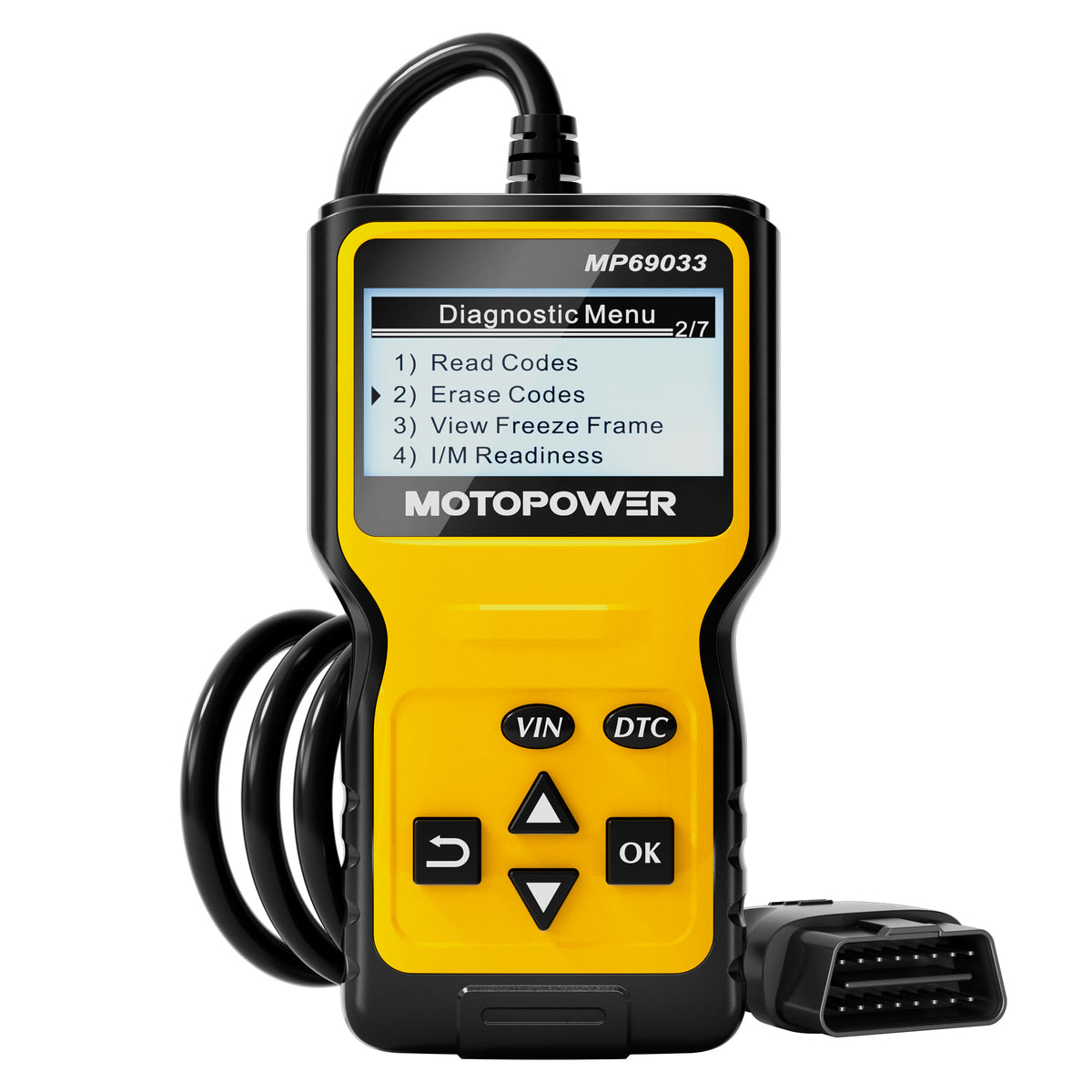
OBD2 Scanners · $
MOTOPOWER MP69033
A budget option for first-step code reading before deeper testing.
- Best for
- Keeping a low-cost code reader in the glovebox or home garage.
- Check first
- Very basic readers do not replace diagnostic judgment.
Compare fit and alternatives in Best OBD2 Scanner for DIY Mechanics.