Start with Tesla's official free path
Tesla describes Service Mode as an on-vehicle diagnostic and repair interface and recommends beginning there to review recent alerts and troubleshooting descriptions. Its available panels can vary by model, year, software version, and installed hardware.
What the Toolbox subscription adds
Tesla's Diagnostic Software subscription provides Toolbox, Service Mode Plus, and Theory of Operation resources. Tesla says Toolbox can view vehicle information, execute commands, and access troubleshooting knowledge, while Service Mode Plus adds advanced features such as a live CAN viewer.
Where third-party scan tools fit
Tesla's diagnostic-software page acknowledges third-party diagnostic scan tools, but that does not make one a Toolbox equivalent. Verify the exact Tesla model, alert or module, live signal, command, adapter, software version, and support path before buying.
Professional diagnosis still needs physical tests
A software interface cannot replace safe electrical measurements, battery support, insulation or high-voltage procedures, thermal inspection, or mechanical confirmation. Stop when the service procedure requires qualifications, isolation, or equipment outside your training.
Official sources and documentation
Capability statements on this page are bounded by these primary documents. They are documentation checks, not hands-on test claims; model revisions, software, bundles, and coverage can change.
- Tesla Diagnostic Software: Defines Service Mode, Toolbox subscriptions, Service Mode Plus, third-party scan tools, and the recommended diagnostic path.
- Tesla Service Mode: Describes Service Mode and the additional Service Mode Plus capabilities.
- Tesla repair and replacement guidance: States Tesla's recommendation for Tesla-developed diagnostic and calibration software.
Frequently asked questions
Is there a free Tesla Toolbox alternative?
Tesla documents free Service Mode on the vehicle touchscreen, but it is not identical to the subscribed Toolbox and Service Mode Plus resources.
Can a third-party scan tool replace Tesla Toolbox?
Treat it as a partial alternative only. Coverage, alerts, commands, adapters, and software support must be verified for the exact vehicle and job.
What does a Tesla Diagnostic Software subscription include?
Tesla lists Toolbox, Service Mode Plus, and Theory of Operation resources.
Should a DIY owner perform high-voltage diagnostics?
Not without the required training, protective equipment, isolation procedure, and service information. Use the guide as a tool-selection boundary, not a high-voltage repair procedure.
Best next page
Use the OBD2 Scanners guide when this diagnostic path points to a purchase decision. Compare job fit, limitations, compatibility, and the cost of ownership before choosing a model.
Open OBD2 Scanners guideRelated diagnostic guides
Continue with the closest compatibility, workflow, and buying questions for this tool family.
Tools to compare next
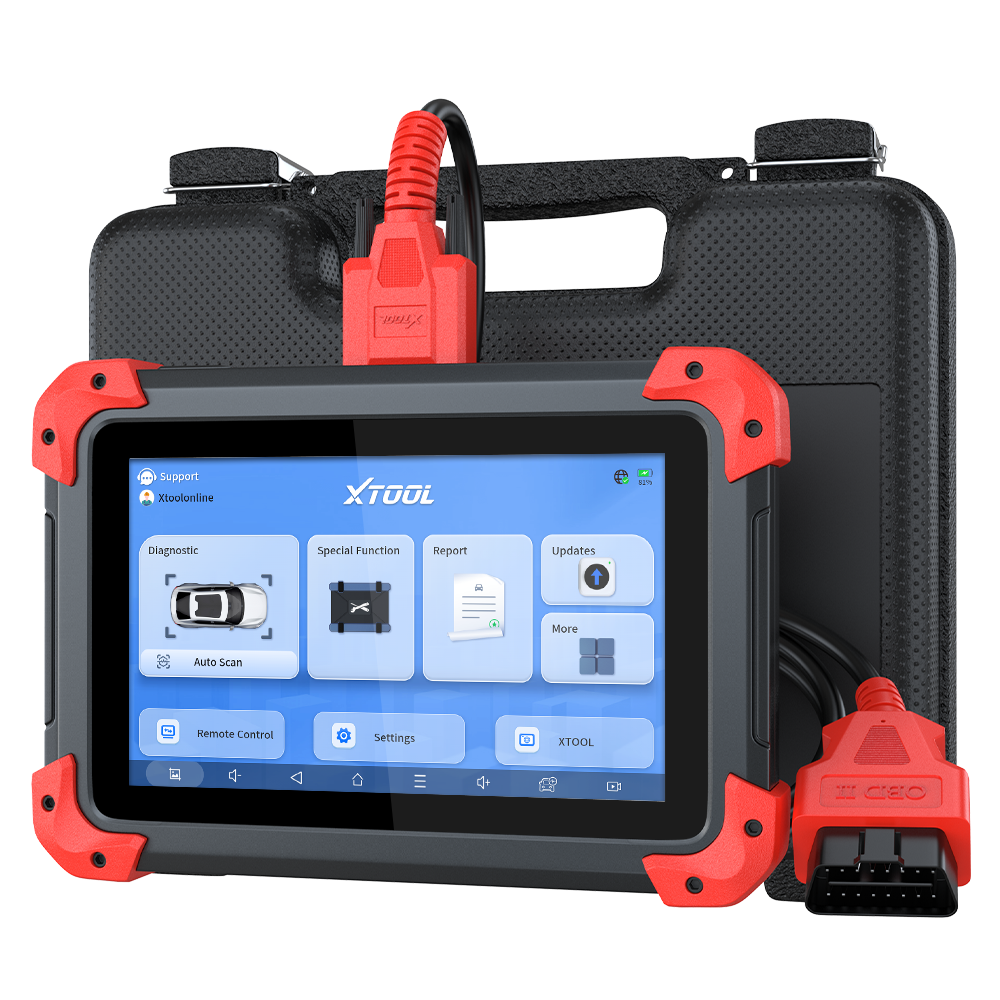
Bidirectional Scan Tools · $$$
XTOOL D7
Shortlist the XTOOL D7 when a wired seven-inch tablet, bidirectional controls, report export, and broad service coverage fit the work; step down when codes and live data are enough.
- Best for
- Advanced DIY users and small shops that need documented all-system scans, live data, active tests, service functions, and shareable diagnostic reports.
- Check first
- XTOOL states that functions vary by manufacturer, model, year, and module. Confirm the exact active test, reset, protocol, and update term before buying.
Compare fit and alternatives in Best Bidirectional Scan Tool.
Bidirectional Scan Tools · $$$
Autel MaxiCOM MK808S
A strong midrange tablet candidate for buyers comparing Autel, Launch, TOPDON, and XTOOL.
- Best for
- Advanced DIY users or small shops wanting a stable diagnostic tablet.
- Check first
- Confirm active tests, resets, and update terms for your exact vehicle.
Compare fit and alternatives in Best Bidirectional Scan Tool.
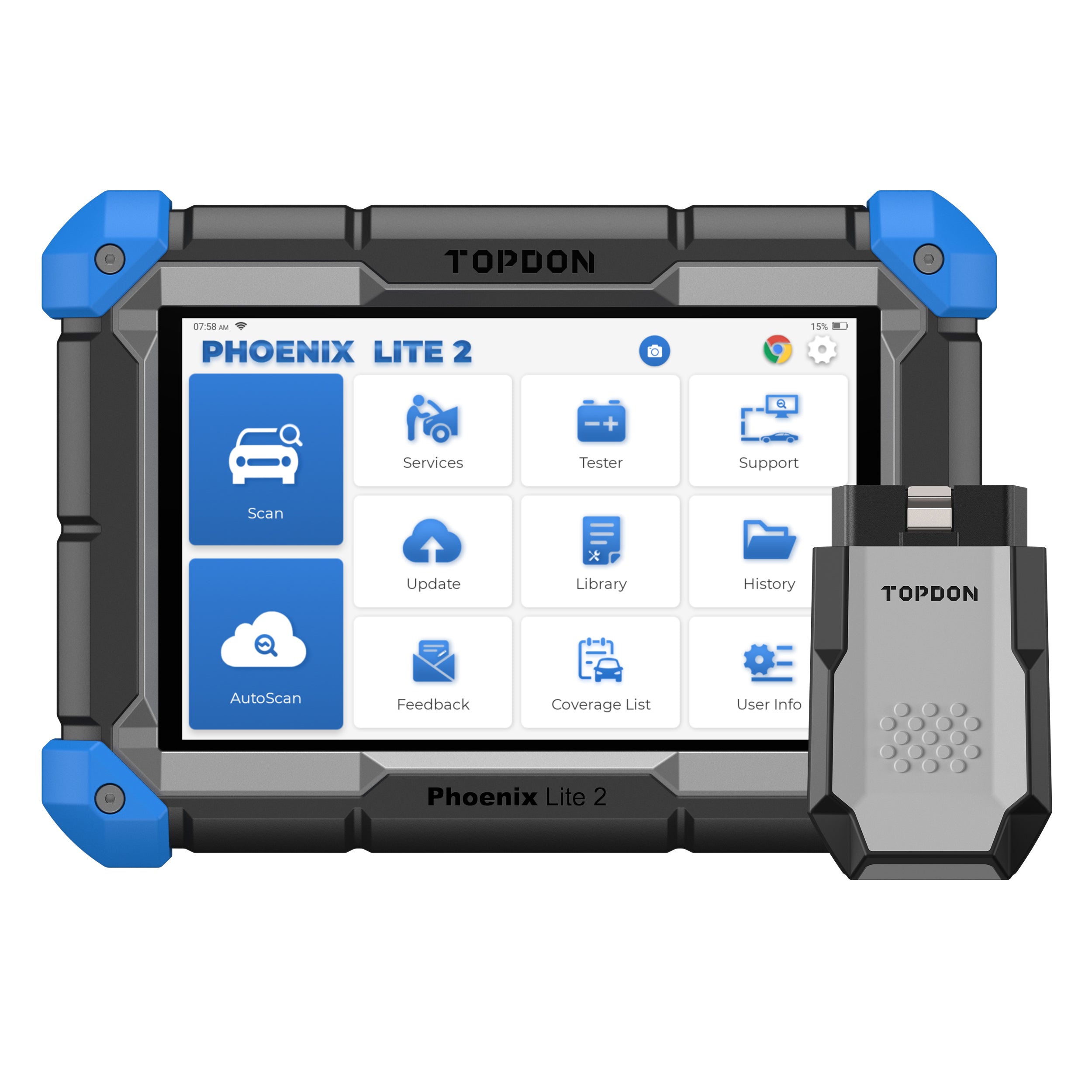
Bidirectional Scan Tools · $$$$
TOPDON Phoenix Lite 2
A higher-ticket comparison product for serious diagnostic-tablet pages.
- Best for
- Small shops that need a larger tablet, wireless VCI, and broad service functions.
- Check first
- Higher price and update terms make it more tool than most casual DIY users need.
Compare fit and alternatives in Best Bidirectional Scan Tool.
Circuit Testers · $
AstroAI 6000-Count Digital Multimeter
A budget multimeter candidate for no-start and electrical guides.
- Best for
- Budget voltage, resistance, continuity, and basic electrical checks.
- Check first
- Automotive users should confirm fuse protection and category rating before probing.
Compare fit and alternatives in Best Automotive Circuit Tester.
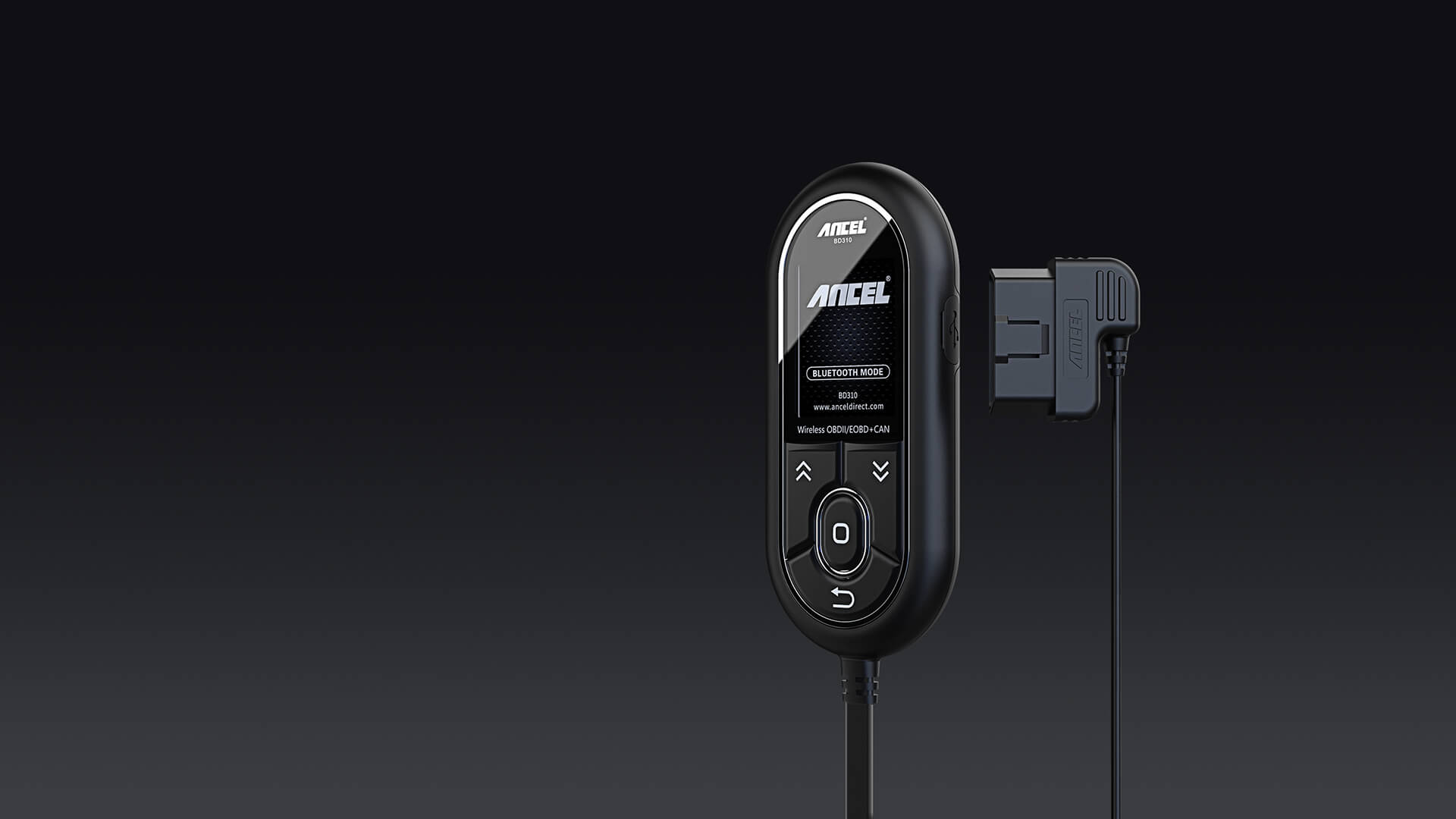
OBD2 Scanners · $$
ANCEL BD310
A sensible starter candidate for check engine light work when you want more than the cheapest code reader.
- Best for
- Drivers who want a simple handheld screen plus app support.
- Check first
- Confirm your phone compatibility and the functions you need before buying.
Compare fit and alternatives in Best OBD2 Scanner for DIY Mechanics.

OBD2 Scanners · $$$
Innova 5610
Worth shortlisting when you want ABS/SRS style depth without jumping into shop-level scan tools.
- Best for
- DIY users who want a broader feature set than a basic reader.
- Check first
- Advanced functions can vary by vehicle. Check module and service coverage first.
Compare fit and alternatives in Best OBD2 Scanner for DIY Mechanics.