Comparison order
Start with the job: check engine light, emissions readiness, ABS/SRS warning, service reset, intermittent driveability problem, or deeper shop work. Then compare only tools that can support that job on the target vehicle.
Why ranked lists mislead
A single ranked list may place a pro tablet above a beginner reader even when the beginner only needs readiness monitors. The better comparison is fit by job, budget, skill level, and ownership cost.
Data fields to compare
Use system coverage, live-data usability, freeze-frame access, app support, update term, report export, cable or Bluetooth reliability, warranty, and whether advanced functions require paid access.
Common buying mistake
Many competing pages focus on best overall and best value. Diagnostic Tool Lab is more useful when it explains the buying mistake each scanner tier prevents.
Recommended route
If you do not know the exact system involved, start with a beginner scanner and save evidence. If you already know ABS, SRS, or active tests are required, skip straight to those pages.
Frequently asked questions
How do I compare OBD2 scanners?
Compare by diagnostic job, vehicle coverage, systems supported, live-data quality, update terms, app dependency, and return-window testing.
What is best overall?
Best overall depends on the job. A pro tablet can be overkill for basic codes, while a cheap reader can be useless for ABS/SRS or active tests.
Should I compare scanners by brand?
Brand helps, but exact model coverage and current update policy matter more than the logo.
Best next page
Use the OBD2 Scanners guide when this diagnostic path points to a purchase decision. Compare job fit, limitations, compatibility, and the cost of ownership before choosing a model.
Open OBD2 Scanners guideRelated diagnostic guides
Continue with the closest compatibility, workflow, and buying questions for this tool family.
Tools to compare next
OBD2 Scanners · $$
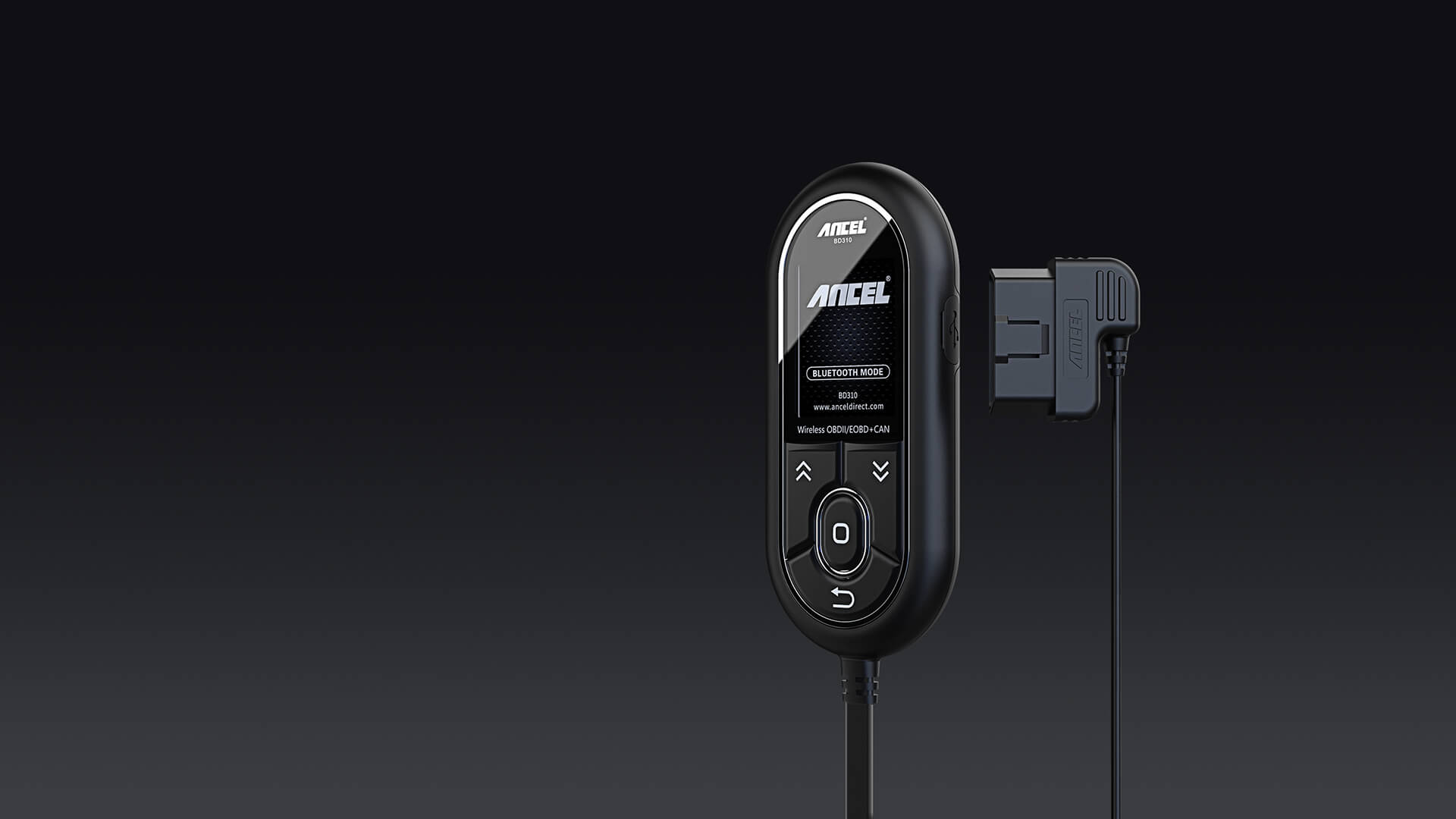
ANCEL BD310
A sensible starter candidate for check engine light work when you want more than the cheapest code reader.
- Best for
- Drivers who want a simple handheld screen plus app support.
- Check first
- Confirm your phone compatibility and the functions you need before buying.
Compare fit and alternatives in Best OBD2 Scanner for DIY Mechanics.

OBD2 Scanners · $$$
Innova 5610
Worth shortlisting when you want ABS/SRS style depth without jumping into shop-level scan tools.
- Best for
- DIY users who want a broader feature set than a basic reader.
- Check first
- Advanced functions can vary by vehicle. Check module and service coverage first.
Compare fit and alternatives in Best OBD2 Scanner for DIY Mechanics.
OBD2 Scanners · $$
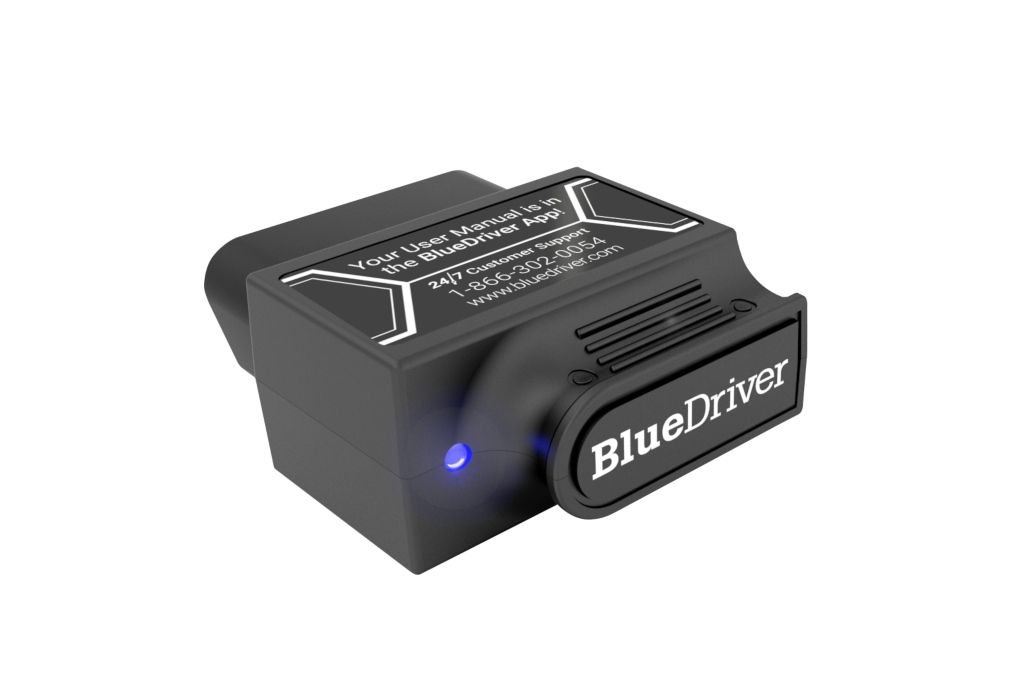
BlueDriver Pro
A strong candidate for people who would rather use a phone than a handheld scanner.
- Best for
- Phone-first users who prefer app-guided diagnostics.
- Check first
- It is app-dependent, so phone support and update quality matter.
Compare fit and alternatives in Best OBD2 Scanner for DIY Mechanics.
OBD2 Scanners · $
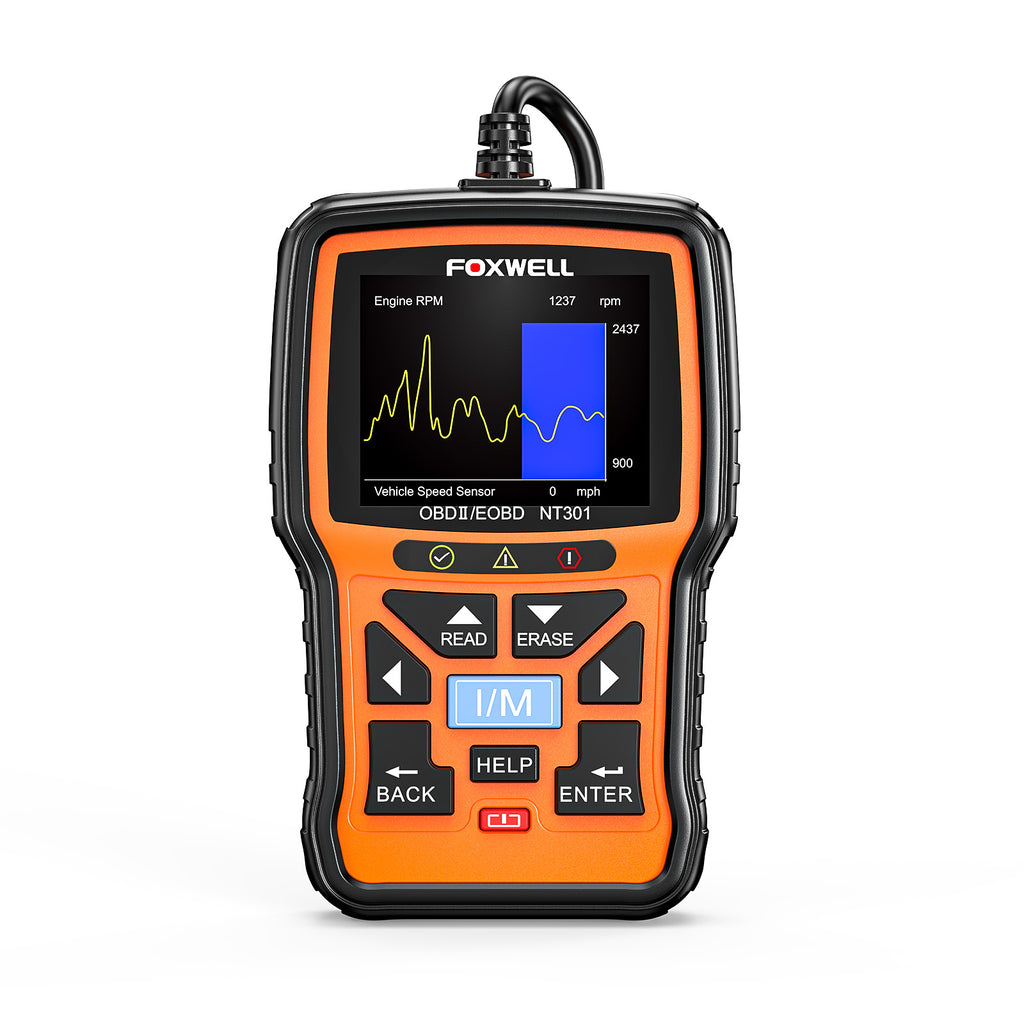
Foxwell NT301
Good for a basic garage kit when the goal is reading codes, not controlling vehicle systems.
- Best for
- Simple code reading and emissions readiness checks.
- Check first
- Do not expect advanced module coverage from a budget reader.
Compare fit and alternatives in Best OBD2 Scanner for DIY Mechanics.
OBD2 Scanners · $
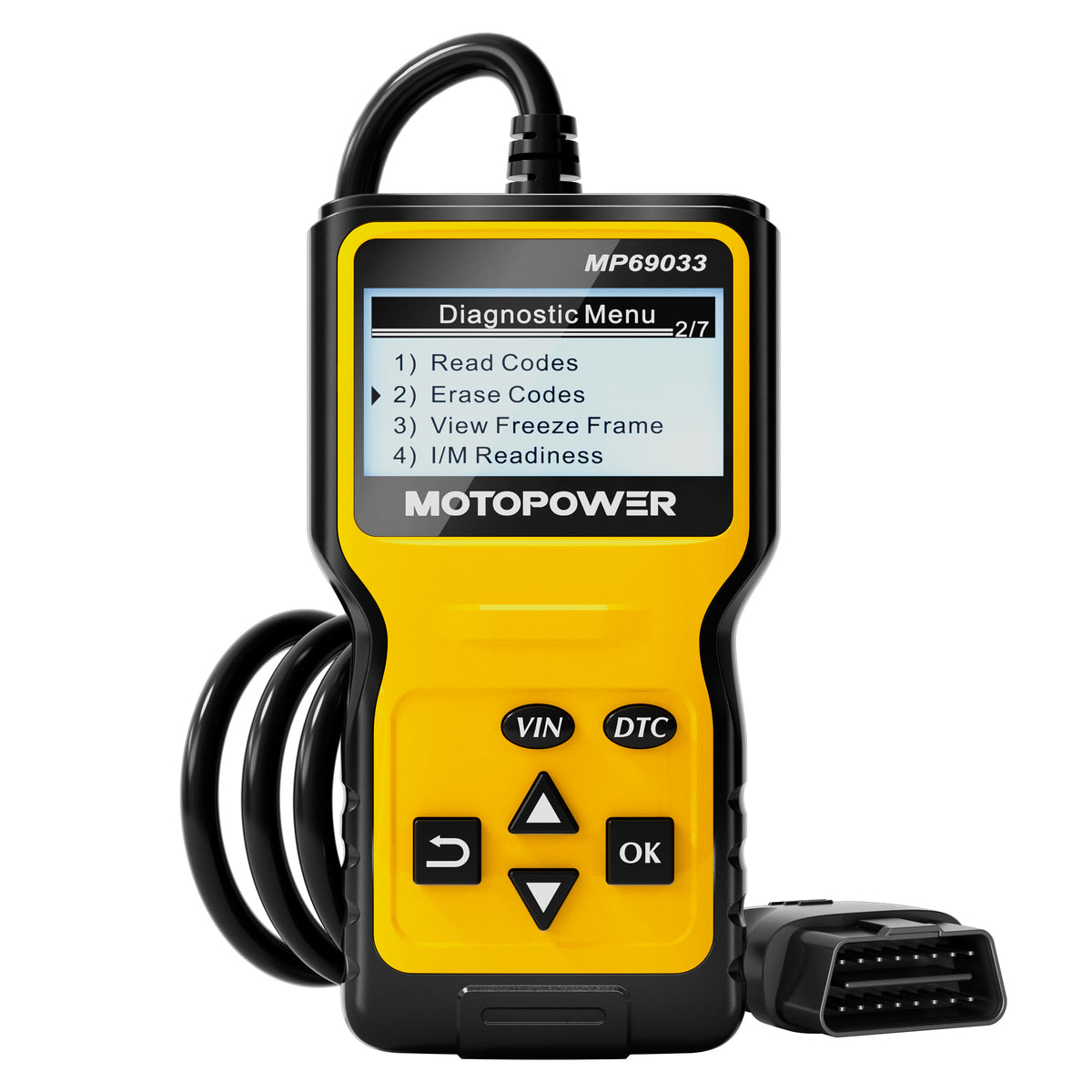
MOTOPOWER MP69033
A budget option for first-step code reading before deeper testing.
- Best for
- Keeping a low-cost code reader in the glovebox or home garage.
- Check first
- Very basic readers do not replace diagnostic judgment.
Compare fit and alternatives in Best OBD2 Scanner for DIY Mechanics.
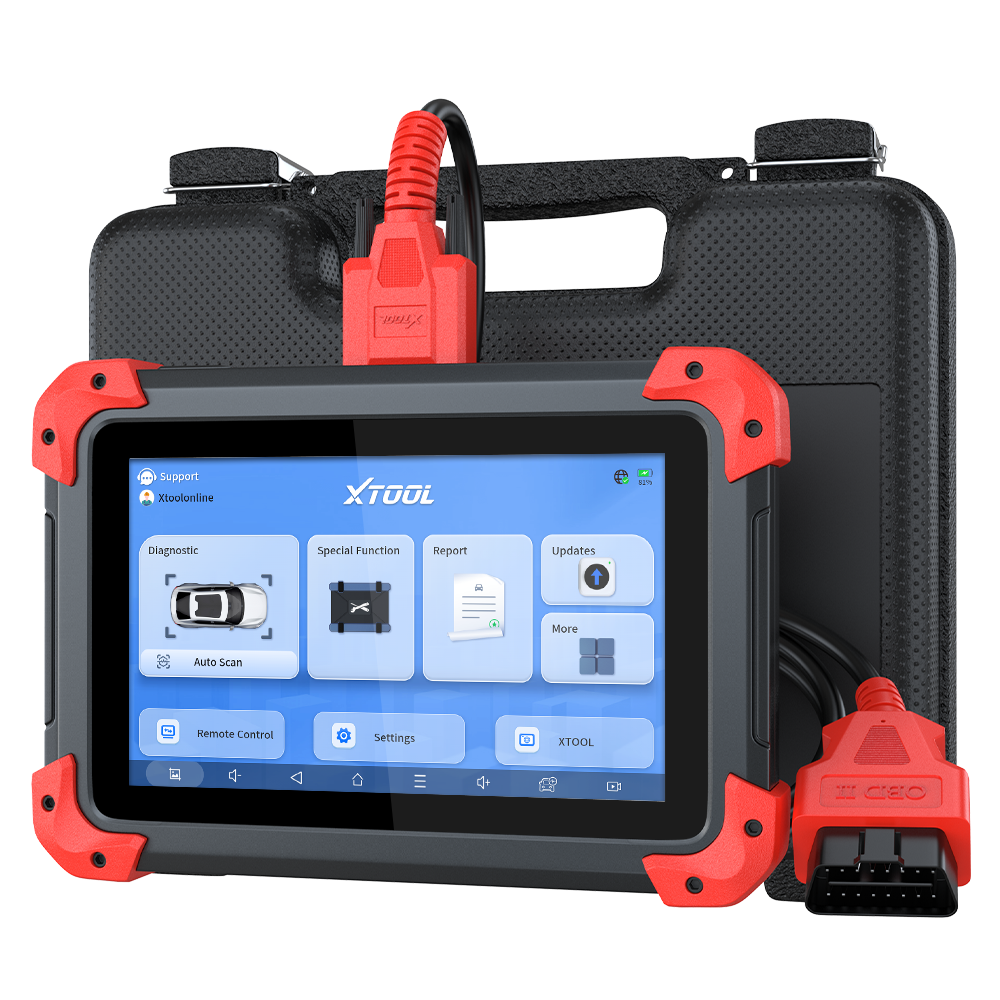
Bidirectional Scan Tools · $$$
XTOOL D7
Shortlist the XTOOL D7 when a wired seven-inch tablet, bidirectional controls, report export, and broad service coverage fit the work; step down when codes and live data are enough.
- Best for
- Advanced DIY users and small shops that need documented all-system scans, live data, active tests, service functions, and shareable diagnostic reports.
- Check first
- XTOOL states that functions vary by manufacturer, model, year, and module. Confirm the exact active test, reset, protocol, and update term before buying.
Compare fit and alternatives in Best Bidirectional Scan Tool.